

Build your first Prima 1 experiment
Explore Xynova Prima 1, choose a manipulation task and turn it into a documented experiment. Start in your browser; prepare the verified hardware setup next.
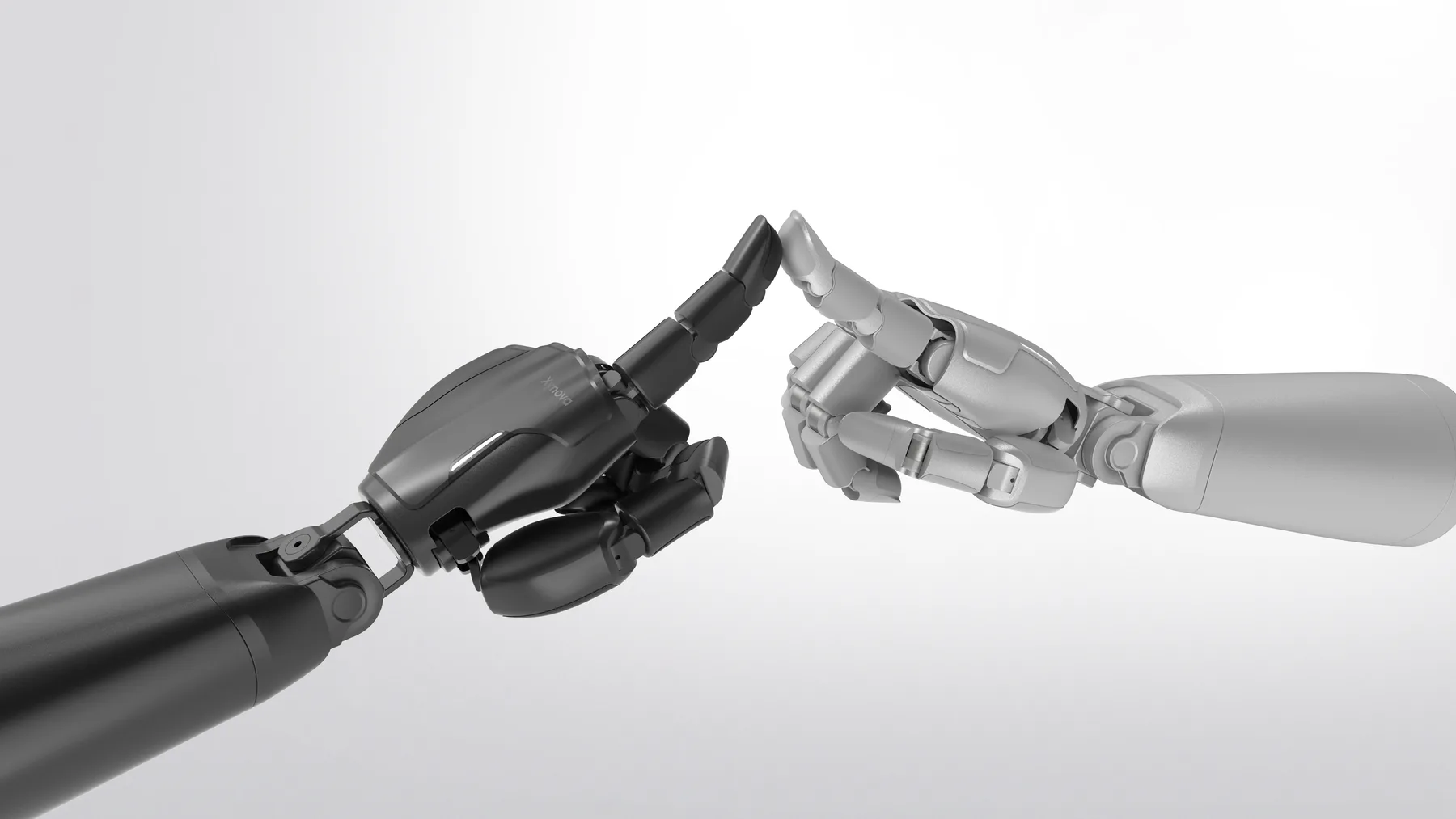
- Configuration
- 22 total DOF
- Fingertips
- Visuo-tactile sensing
What would you build with Prima 1?
Choose a task. Turn it into a test you can explain and repeat.
- Action to test
- Change the pen’s orientation relative to the palm, then hold a defined end pose.
- What to record
- Synchronized external video, measured joint state and available fingertip observations.
- Define success first
- Specify the initial pose, target orientation, tolerance and hold duration before testing.
A clip showing a pen held in the hand does not establish repeatable in-hand reorientation.
Read & copy text
Create a Prima 1 task brief, identify the required signals and list the developer-package prerequisites.
Try it yourself
Know what is documented. Confirm what you can run.
The public manual describes software support. A usable integration also needs the exact release, dependencies and setup instructions for your hand.
Product manual
English Product Manual V1.4 is listed in the official download center. Page 5 describes software and communication support.
What to check
Match this product document to the revision you received. It is not an installation guide.
SDK & operating system
The manual lists SDK support and ROS 1 / ROS 2 compatibility.
What to check
Obtain the release URL or package, version, license, supported OS / ROS distributions, installation steps and a read-only example.
Model & simulation
The manual lists URDF models, MuJoCo and Isaac Lab support.
What to check
Check the delivered model, mesh license, joint names, limits and simulator version. No runnable model was verified here.
Control interface
The manual lists CAN FD and EtherCAT. The product lists 22 total DOF.
What to check
Confirm the supplied transport and adapter, independently commanded axes, units, limits, feedback and stop procedure. Total DOF is not an action-vector length.
Fingertip observations
The product describes visuo-tactile fingertip sensing.
What to check
Confirm accessible channels, raw versus calibrated output, sample format, coordinate frames, calibration and timestamps.
Examples & reuse rights
The manual lists kinematics and reinforcement-learning examples. A public code release and its license have not been verified for this guide.
What to check
Ask for a versioned example, dependencies and permission to reuse code, meshes, recordings and data. “MIT control” is a control mode, not a software license.
Read & copy text
Start with one signal you can explain.
After the manufacturer’s commissioning steps, use its documented observation-only example. Capture a named feedback channel and explain its units and clock before attempting a grasp.
- Identify the setup. Record hand side, hardware, firmware, software and transport. Follow the supplied mounting, power and stopping instructions.
- Read, then inspect. Save a short log from the documented example. Identify measured state versus command echo, timestamps and unavailable channels.
- Proceed only with a confirmed interface. Follow the manufacturer’s motion example and operating limits. Then use your task brief for a repeatable trial.
Your preparation checklist
0 of 5 preparation items checked.
Make your result reproducible.
Record one row per initiated attempt, including interrupted trials. Choose one outcome: unassisted success, assisted success or failure. Define acceptance before testing and link the original recording.
Read & copy text
Read & copy text
Check your result counts
No example measurements are pre-filled. Counts stay on this page and are not saved or submitted.
Add actual counts after your trial.
Your practical task
- Choose a task and control mode in the planner, then download your brief.
- Fill in the starting conditions, attempt count and success rule.
- Use the checklist to identify missing SDK, model and sensor documentation.
- Save the lesson and create an experiment record when you have evidence to share.
What to produce: An editable Prima 1 experiment brief and a list of integration prerequisites.
Check your understanding
Original sources & next steps
Prima 1 Product Manual V1.4: software support on page 5 ↗Xynova Prima 1: public manufacturer description ↗Xynova resource center: confirm release access ↗Original Dexhands teaching material. Lesson and linked references reviewed 2026-10-03. Research links are not endorsements or evidence of hardware compatibility.